How to reset windows password using cmd
- Here in this trick you will learn how to change the user password without knowing its actual password.
Step1:
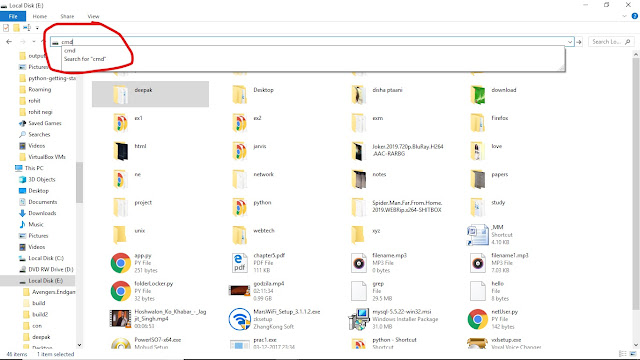
open the command prompt in the administrator mode.

Step2:
type command → net user

This command will display you the name of all the user of that system.
Step3:
Type command → net user username
- Here username is the name of the user whose password you want to change.

- Here Dstar is the username and "hello123" is the new password.
Comments
Post a Comment